 avash
avashNothing to migrate
avash reads ~/.ssh/config and writes what you add in OpenSSH's own format. Your hosts are there on first launch, and ssh on the command line keeps seeing the same thing.
avash opens your SSH terminals, your Windows (RDP) and VNC desktops and
your SFTP transfers in one native, fast and secure window that reads your
~/.ssh/config as it is.
Linux · Windows · macOS · Latest version on GitHub

A connection manager that installs in a minute and asks you to change nothing in your habits.
avash reads ~/.ssh/config and writes what you add in OpenSSH's own format. Your hosts are there on first launch, and ssh on the command line keeps seeing the same thing.
Tauri 2 and Rust, no Electron: about twenty megabytes, a start-up in a fraction of a second, a remote desktop that follows the window pixel for pixel.
A server whose key changed is refused, for SSH as for RDP, and an RDP server never obtains a password without mutual authentication. Secrets live in the keyring, never in a file.
AGPL-3.0, auditable code, binaries with a provenance attestation and a software bill of materials. No telemetry, no network call other than your connections.
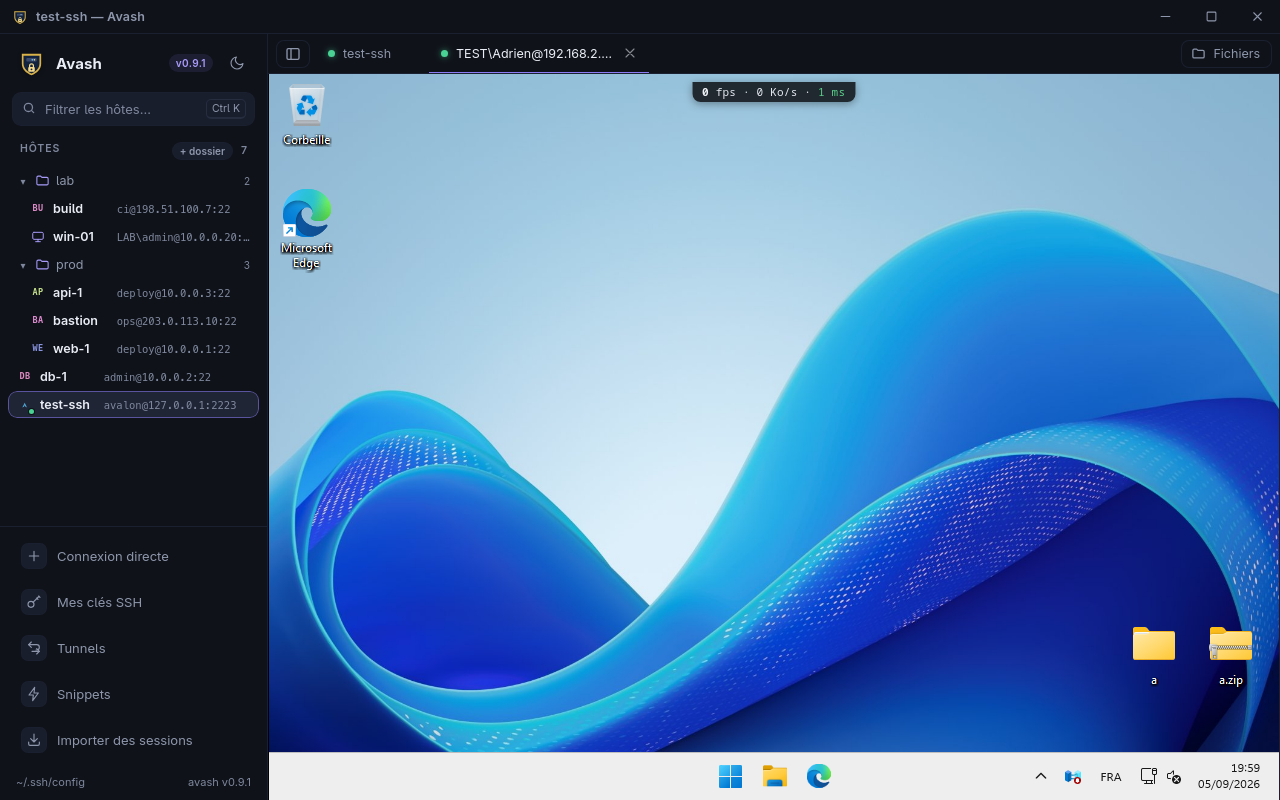
ProxyJump, agent, keys generated and deployed from the app.cargo audit, cargo deny, CodeQL, gitleaks, OpenSSF Scorecard, an attested SBOM with every release.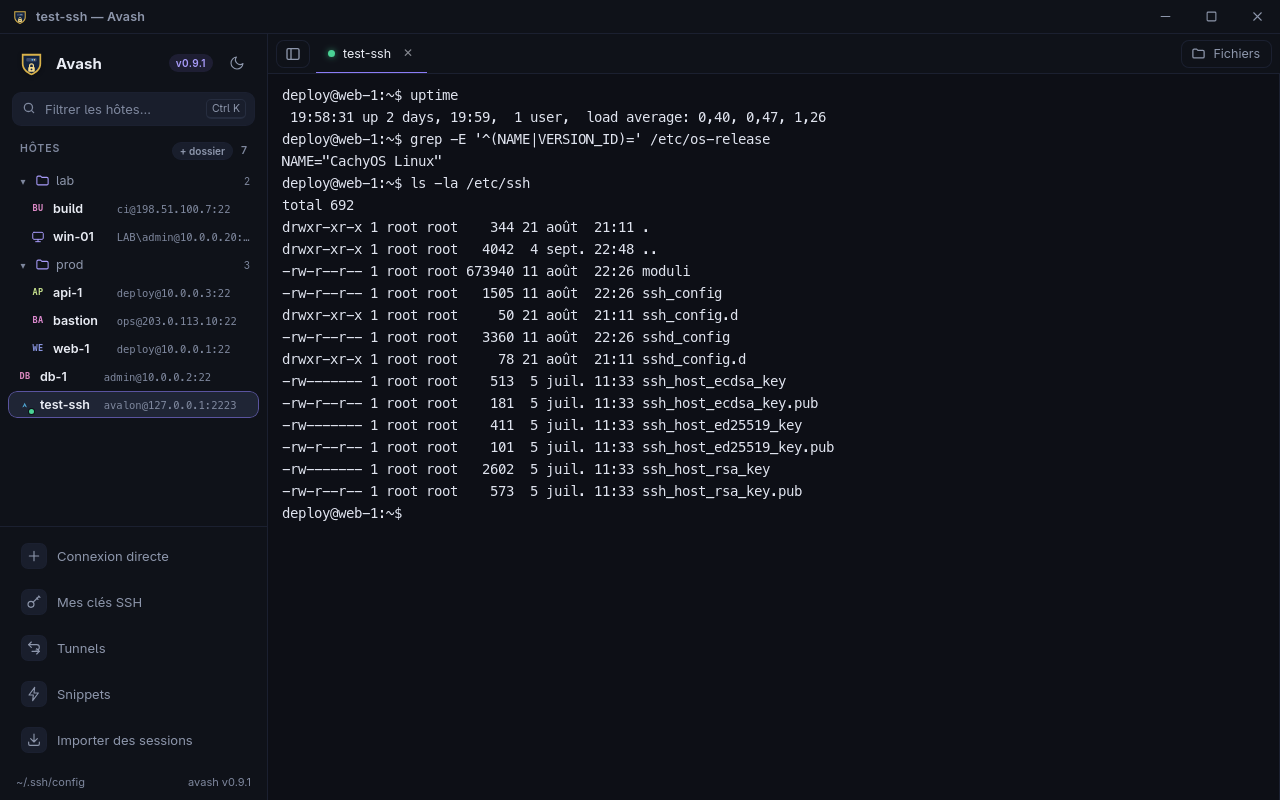
The security model, what it covers and what it does not: SECURITY.md.
Unit tests, integration tests against a real sshd, end-to-end tests on the real application with actual SSH, RDP and VNC connections, replay of real RDP recordings, an accessibility audit, a fleet of xrdp servers in containers. One rule stands in for discipline: a new test must have been seen failing. The details, with what each device actually found: docs/qualite.md (in French).
Binaries are signed for the automatic updater and shipped with their checksums, a provenance attestation and an SBOM.
The AppImage bundles everything, WebKitGTK included. The .deb (Debian, Ubuntu) and the .rpm (Fedora, openSUSE) install through the package manager; Arch Linux builds from source with the repository's PKGBUILD.
chmod +x Avash_*_amd64.AppImage && ./Avash_*_amd64.AppImage
sudo apt install ./Avash_*_amd64.deb        # Debian, Ubuntu
sudo dnf install ./Avash-*.x86_64.rpm # FedoraAvash is on winget, the Windows package manager: one command installs it and winget upgrade keeps it current along with the rest of the machine. The installer is a regular installation; the portable build unzips and runs without writing to the registry. Windows shows a warning on first launch, as avash is not yet signed with an Authenticode certificate: "More info", then "Run anyway".
winget install AdrienCros.AvashFor Apple silicon Macs. The app is not notarised: right-click, Open, once. The macOS build is built and tested in CI but has not been tried on a real machine yet.
sha256sum -c SHA256SUMS                                          # integrity
gh attestation verify Avash_*_amd64.AppImage --repo AdrienAvalon/avash   # provenance
The second command proves the file comes from this repository, at this commit, built by our CI (Sigstore attestation).
~/.ssh/config are already in the sidebar; double-click to open a terminal, Ctrl+B for the file panel.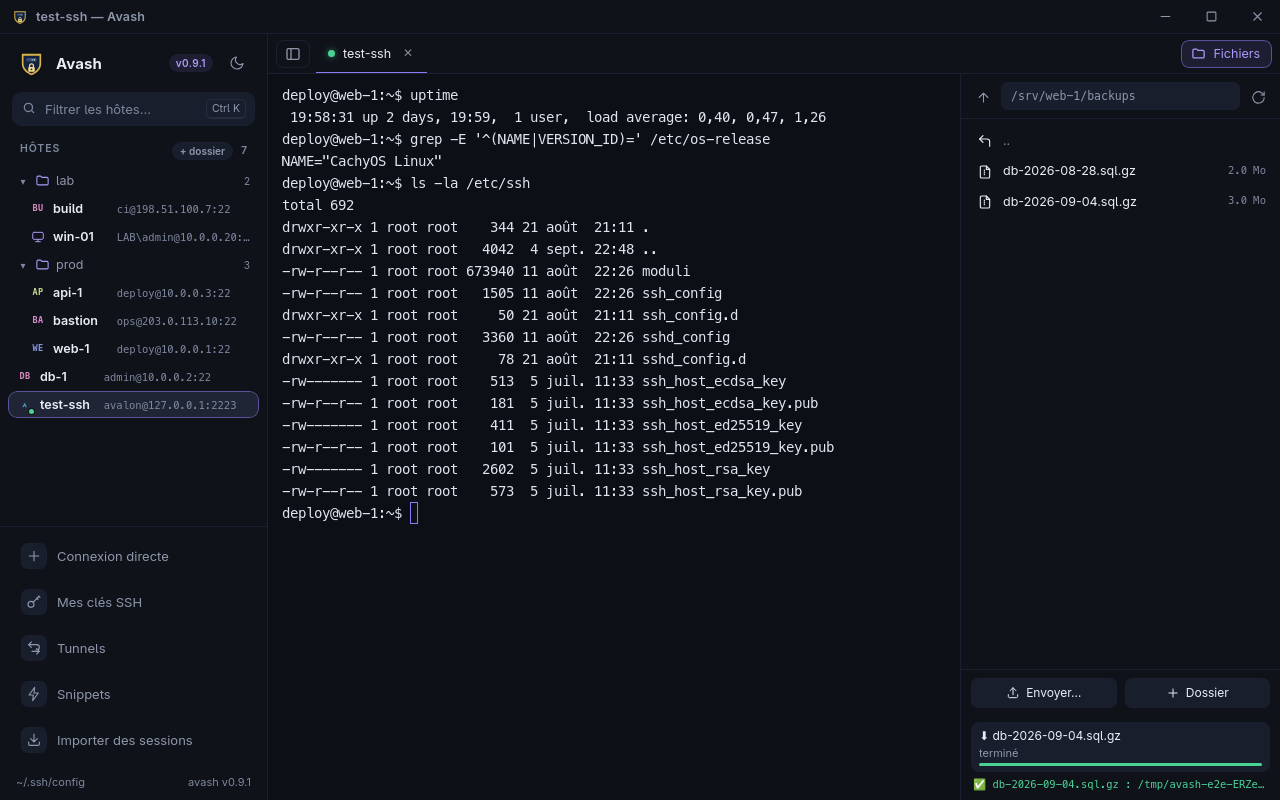
| avash | PuTTY | MobaXterm | Remmina | Termius | |
|---|---|---|---|---|---|
| SSH, RDP, VNC and SFTP in one window | ✓ | SSH | ✓ | ✓ | SSH, SFTP |
Reads and writes ~/.ssh/config | ✓ | – | – | – | import |
| Linux, Windows, macOS | ✓ | Windows, Unix | Windows | Linux | ✓ |
| Native, no Electron | ✓ | ✓ | ✓ | ✓ | – |
| RDP host key checked before credentials | ✓ | – | – | ✓ | – |
| Passwords in the system keyring | ✓ | – | encrypted | ✓ | cloud |
| Free software | AGPL-3.0 | MIT | freemium | GPL-2.0 | subscription |
From each tool's public documentation, September 2026. A wrong cell? Open an issue.